Wholesale and VIP offers
Limit an offer to customers with the tags you choose. Your wholesale buyers get their own breaks, and the rest of your store stays as it is.
Liftly Quantity Breaks adds buy-more-save-more offers to your Shopify store. Shoppers choose an option on the product page, and Shopify itself applies the discount: in the cart, at checkout and in Shop Pay.
A working copy of the Quantity breaks block. Pick an option or change the quantity, and the total follows.
Northwind Supply
$24.00
Buy more, save more
Set the breaks once. Your product page shows them, and Shopify does the discounting.
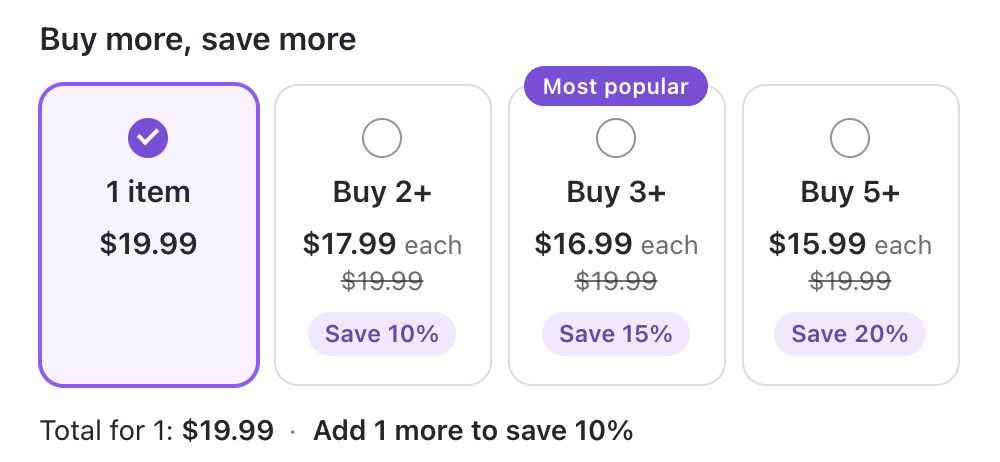
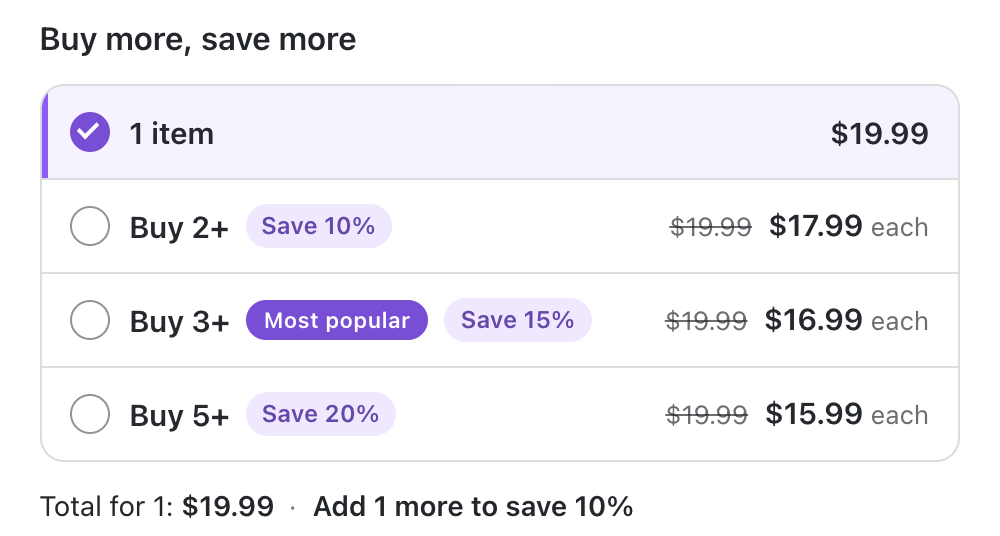
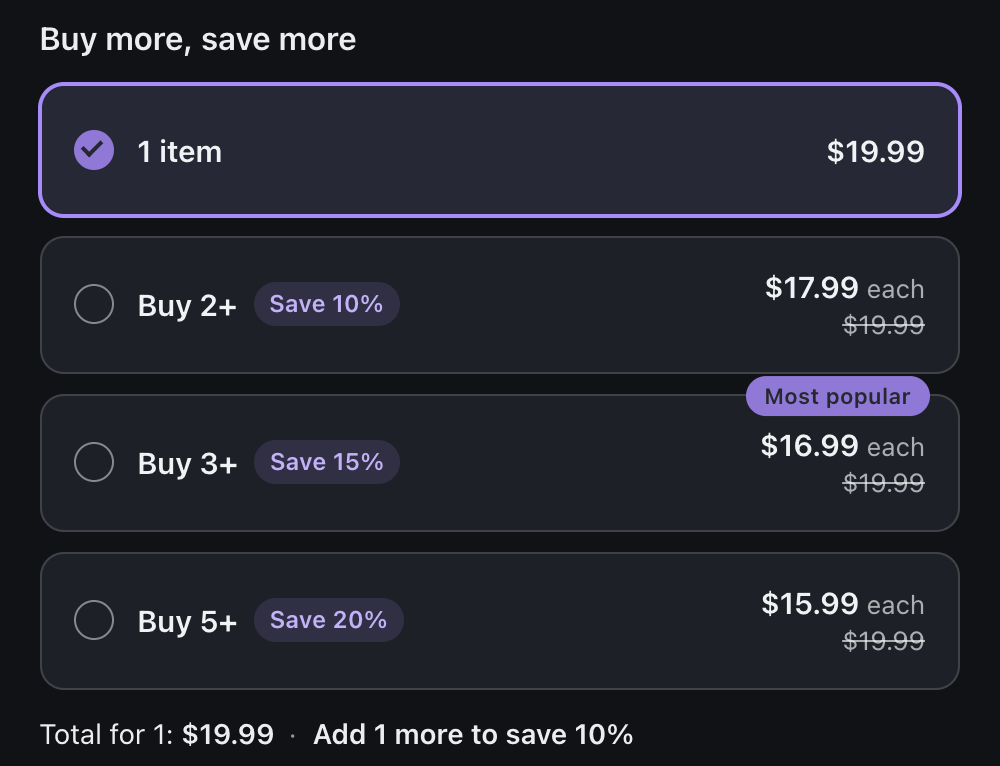
The product page lists every option with what each item costs, the regular amount crossed out and a “Save 15%” pill.
Shopify applies it itself, through Shopify Functions: in the cart, at checkout and in accelerated checkouts such as Shop Pay. No discount codes, no draft orders.
Take a percentage off each item, take an amount off each item, or set exactly what each item sells for. Up to 10 breaks per offer.
Run an offer on all products, on the products you pick or on whole collections.
Choose from three layouts and set colours, corner radius and spacing in the theme editor. No theme code edits.
The block is rendered by your theme in Liquid, with about 5 KB of script and no requests to an outside server.
Volume discounts combine with order discounts and with shipping discount codes.
Every currency of Shopify Markets, right-to-left languages, keyboard and screen readers.
Inside your Shopify admin, choose the products and set the breaks: buy 2 save 10%, buy 3 save 15%, buy 5 save 20%.
Open the theme editor and add the Quantity breaks block to your product page. One click, no code.
Choosing an option sets the quantity. The lower amount is already there in the cart and at checkout.
Stacked cards, a grid or a compact list. Add a ribbon like “Most popular” to the option you want to stand out, and show a live total with the savings underneath.
Limit an offer to customers with the tags you choose. Your wholesale buyers get their own breaks, and the rest of your store stays as it is.
Give an offer a start date and an end date in your store’s time zone, and set up the weekend sale days ahead.
Count quantity across the whole offer, so three different roasts add up to the “Buy 3+” break. Or count per product, or per variant.
Yes. They combine with order discounts and with shipping discount codes. If another product discount applies to the same item, Shopify keeps the better one for the shopper.
No. Shopify applies the discount on its own as soon as the quantity reaches a break: in the cart, at checkout and in accelerated checkouts such as Shop Pay.
Yes, in every currency of Shopify Markets. Amounts are converted with your store’s rate, and the block shows them in the shopper’s currency.
The block is a theme app extension. You add it in the theme editor with one click, and nothing in your theme code is edited.
The block is rendered by your theme in Liquid. It loads about 5 KB of script and makes no requests to an outside server.
Discounts from Shopify Functions also run on Shopify POS. The product-page block is an online store feature.
Everything goes with it. Your settings live in your store, as Shopify discounts and metafields, and nothing is left in your theme.
Set your first quantity breaks today and let your product page make the offer.
Add to your Shopify store